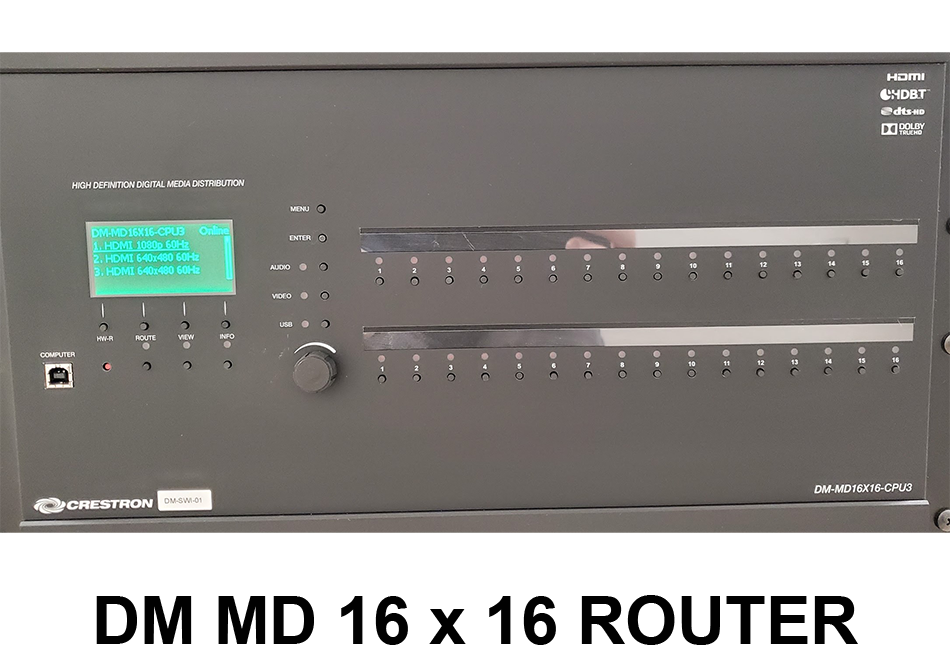
There may come a time where you may have to manually route video, this can be done with ease by following these instructions. From the front of the DM-MD 16 x 16, select "ROUTE." Then select the desired Source you wish to route. The Sources are on the top, then select the destinations to route to, That would be Inputs 1 and 7. Once you have selected thes inputs and outputs, you the press the ENTER button. The Enter Button initiates the route.
 ONLINE-TRAINING