SELF SERVE
INTERACTIVE TRAINING CONTROL INTERFACE, USE YOUR MOUSE TO HOVER OVER SECTIONS, CLICK TO ACTIVATE
GETTING THE SYSTEM READY
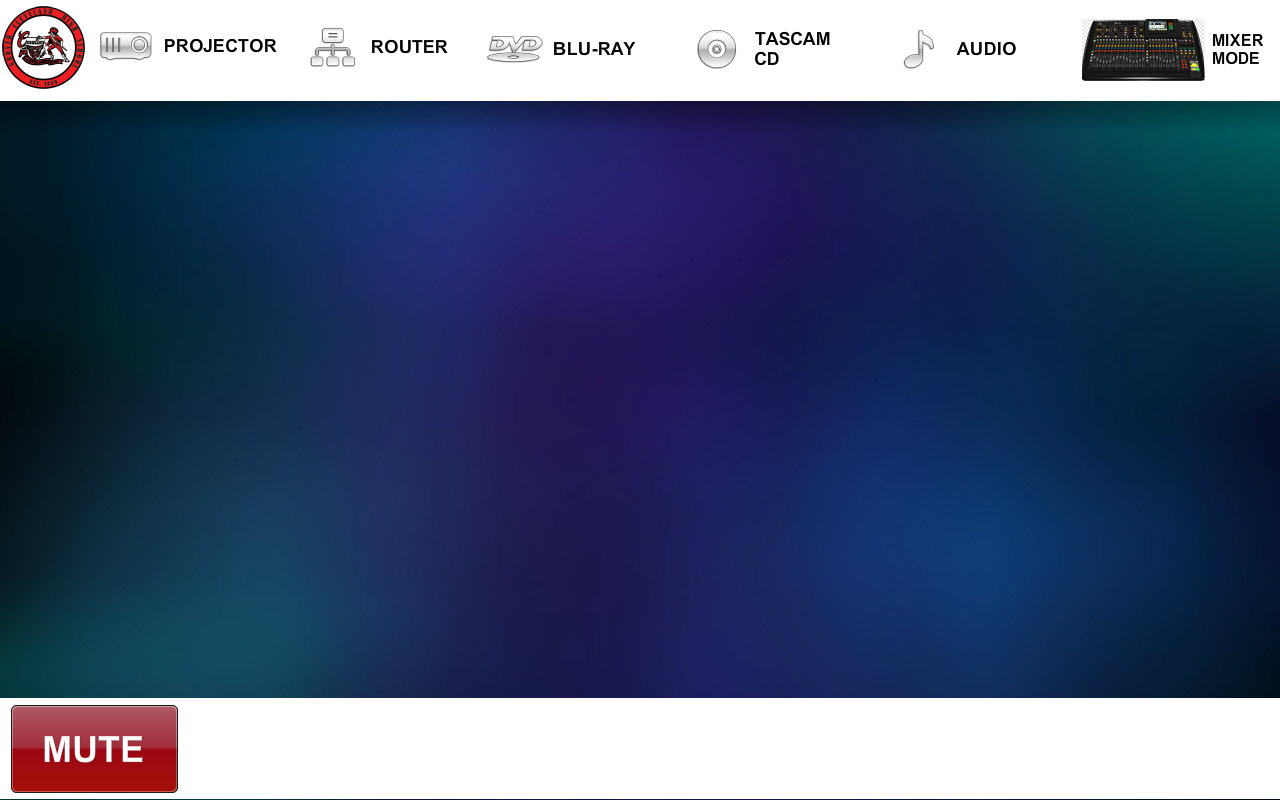
The Touch Panel theme for building L remains constant, this enables you to maintain the same familiarity between operation.
However, the main difference in operation is that no devices will turn on or off automatically. This is designed specifically to eliminate unwanted functionality
The top menus will display a pop-up page for each area, this will allow you to control the devices associated with those menu functions.
You should familiarize yourself with it's operation and pages.
You will notice a "MUTE" button at the bottom of the page, this button will mute the full system if needed. To activate you press the button, to deactivate you press it again.
Select the next screen when you are ready.
 ONLINE-TRAINING